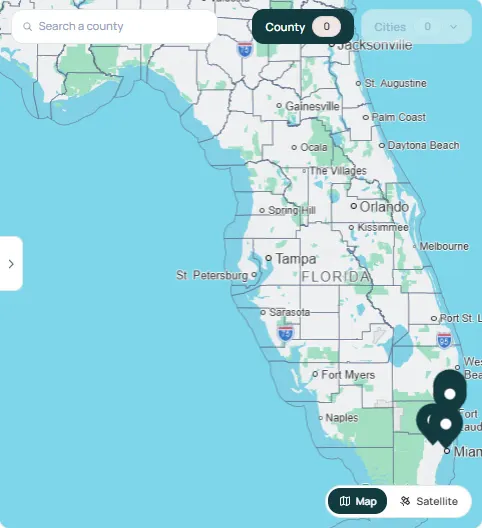
 86% match
Bird Road Marketplace8750 SW 40th St, Miami, FL 33165
- Sq ft range
- 1,850 – 2,300
- Rent range
- $6,400 /mo
- Suites
- 2
View PropertyMessage
Bring in the right people at the right time and keep your cell private, with every message, tour and call filed under its deal.
How it works
Message a landlord or broker straight from a matched listing. The thread opens with the property, suite and match score beside it.
Chat with your team first, then add your client or the landlord’s rep when the deal is ready for them. Role tags show who’s who.
Request a tour and send your LOI from the thread. Both land in Shared Files, so the paper trail stays with the deal.
Call profile to profile without giving out your cell. Each call is logged to the deal, and new leads are captured for you.
4 ways it helps
Start with your team, then invite clients, landlords and their reps as the deal moves. Everyone works from the same thread.
Book tours and send LOIs where the conversation already is, with the listing, suite and files one click away.
Calls go through your Waltre line, so your cell stays private, and each one is filed under the expansion and property it was about.
Call straight from a listing or tenant profile. Every inbound call lands in the right leads list with the match score attached.
Run every deal conversation from one account, with chats, tours, LOIs and calls filed under the expansion and property.
Hear from matched tenants and their brokers with the listing, suite and match score already in the thread, and book the tour there.
Ask about a space straight from the listing, bring your broker in when you’re ready and keep floor plans and LOIs in one place.
Pick a day and time and the tour request goes straight to the landlord or their broker. Ready to make an offer? Fill in the LOI terms and send it from the same thread. Both are saved to Shared Files with the deal.
Your Waltre line rings your cell without ever showing your personal number. Every call, in or out, is logged with its length and notes under the expansion and property it was about, so nothing lives only in your phone.
Tenants and brokers can call straight from a listing’s profile. Each call reaches the right landlord or broker and lands in their leads automatically, with the tenant’s needs and match score attached, so no inquiry slips through.
Keep exploring




Open a property from your matches and hit Message. Choose the expansion you’re leasing for, pick a suite if you know the one you want, add a short note and send it. The thread opens with the listing details beside it.
Anyone working on the deal: colleagues from your team, your client or the landlord’s rep. Add them under Chat Participants when the deal is ready for them, and each person’s role tag shows who they represent.
Yes. Request a tour and send your LOI from the thread, and both are saved under Shared Files with the rest of the deal.
No. Calls go through your Waltre line, so your cell stays private, and every call is logged to the expansion and property it was about.
The call reaches you on your Waltre line, and the caller lands in your leads with their requirement and match score, logged to the listing they called from.
Every file shared in a thread is listed under Shared Files in the side panel, next to your pinned messages, so floor plans and LOIs stay with the deal.
No. Waltre doesn’t touch your commissions. That’s your hard earned cash and we want to help you make more faster!
Create your free profile, find a matched listing and open the thread in one click.
Start a ConversationFree to join. No credit card required.